One of MusicRadar's Best DAWs for 2024! "If you invest in Mixcraft you'll be getting a well-supported production solution that comes at a great price, and newcomers will find it very approachable."
In Tune with You
Mixcraft is Acoustica's highly acclaimed DAW software for Windows that offers a perfect balance of complexity and user-friendliness for music creators. Mixcraft has been a go-to choice for professionals and beginners since its initial release in 2004.
In 2023, the introduction of Mixcraft 10 transformed the software into a more intuitive and feature-rich digital audio workstation. Mixcraft 10 received critical acclaim from MusicRadar, who praised its exceptional value and called it "one of the best music apps out there in terms of features vs. price."
Mixcraft 10.6 is available in three value-packed versions: the new entry-level Home Studio, Recording Studio with unlimited tracks and essential features, and the Pro Studio version with advanced power tools and additional instruments and effects.
Looking to get started today, but on a tight budget? Check out the convenient Mixcraft Rent-To-Own payment plans! Whether you're a new user or looking to upgrade from a previous version, you can get started for as little as $8 a month and own Mixcraft 10.6 at the end of the term.
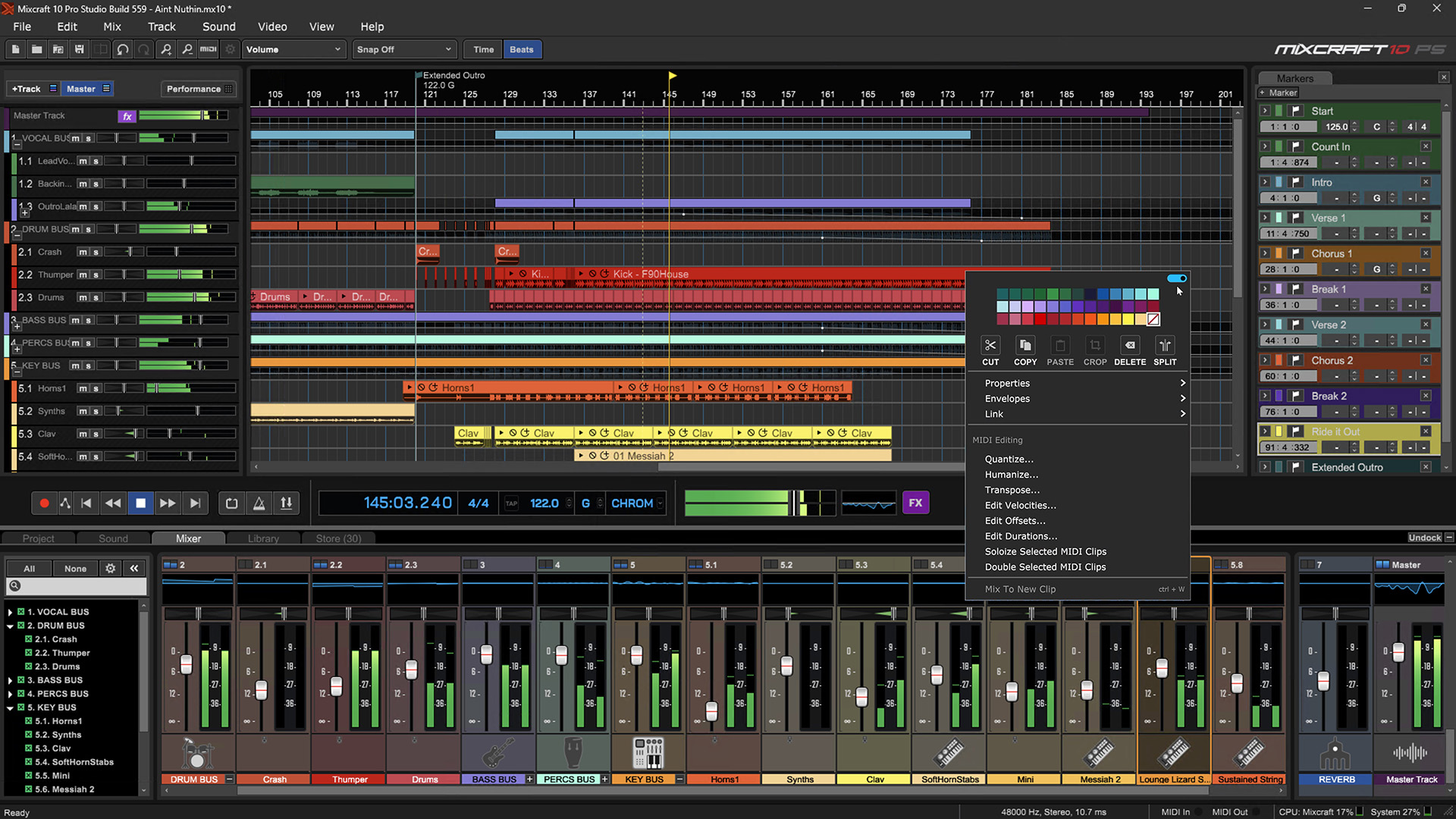
With Mixcraft, users can record and mix unlimited tracks to perfection. It features almost universal third-party plugin support and supports audio interfaces and hardware controllers. Mixcraft's loop library has over 7,500 professionally-produced loops, music beds, sound effects, and samples in diverse genres. Additionally, there are a vast library of effects and instruments that include a suite of ToneBoosters reverbs, compressors, filters, equalizers, classic synthesizers, electric pianos, rock organs and sampled instruments.
Mixcraft is also loaded with routing and control features, advanced MIDI routing, and clip-based automation tools. Its Performance Panel is ideal for live performance and loop-based composition, and it is also a feature-packed video editing and scoring environment that offers seamless transitions, titles, and scrolling text. Mixcraft offers an all-in-one solution to all your audio and video editing needs in a single virtual studio package.
Even More with Mixcraft 10.6
With the latest Mixcraft updates, Acoustica has enhanced the virtual studio with new features to inspire users and increase productivity. Every improvement in Mixcraft 10.6 aims to improve ease of use, stability, and innovation, allowing musicians to achieve their music goals faster and with professional-level quality.
Some of the new features in Mixcraft include Project Templates, which offer task-specific presets for tasks such as podcasting setups, mastering, video editing, and more. MIDI controller support has been expanded, and the new Quick Access panel enables users to quickly add, remove, and reorder instruments and effects on virtual tracks.
Behind the interface improvements is a solid backbone of enhanced stability and plugin support. Mixcraft's robust Plugin Manager displays native and third-party installed virtual instruments and effects plugins, giving users several customization options to manage and navigate their VSTs more easily. And the new Auto-Save feature further reduces the risk of projects lost or corrupted due to misbehaving plug-ins.
The Mixcraft Store tab, introduced in version 10, now offers over 100 items from top brands. The new Loyalty Credit program rewards Mixcraft users with points they can apply as virtual cash towards purchases in the expansive Mixcraft Store.
These features and improvements are standard in both Mixcraft 10.6 Recording Studio and the feature-rich Mixcraft 10.6 Pro Studio.
Mixcraft 10.6 Pro Studio offers an exclusive new feature: the AI-powered Stem Separation tool. With Stem Separation, users can quickly isolate parts of a mixed audio file, such as vocals, piano, drums, and other instruments, into individual tracks, ready for editing, inspection, or replacement. Pro Studio also offers powerful features like Track Regions, audio and MIDI routing, Melodyne pitch shifting, and acclaimed plugins like Cherry Audio's DCO-106, Stardust 201, and Galactic Reverb.
Whether you are a budding musician or a seasoned professional, Mixcraft provides an unparalleled range of features - from advanced audio editing capabilities to comprehensive instrument libraries - all at a price sure to leave you astounded. With a starting price of just $79 for Mixcraft 10.6 Recording Studio and only $149 for the impressively feature-rich Mixcraft 10.6 Pro Studio, the latest version of Mixcraft truly offers unbeatable value for money. Just getting started? Check out the new Mixcraft 10.6 Home Studio, a comprehensive entry-level DAW at an unbeatable price. Compare to see which one is right for your studio!
Registered users of previous versions also enjoy generous upgrade pricing and can take advantage of all these new features at a surprisingly low price. Log in to see your personal offer!
So why wait? Start exploring the world of Mixcraft 10.6 today and start creating your next masterpiece.
Also Available: Mixcraft Remote
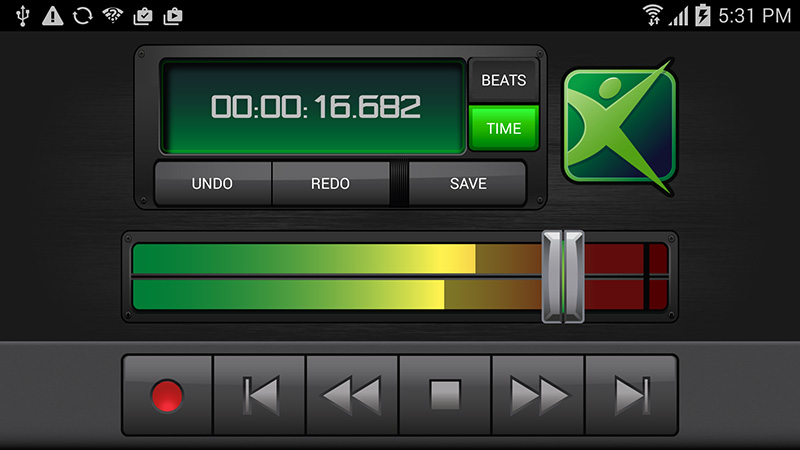
The free Mixcraft Remote app for iOS (14+) and Android (14+) lets you easily control your Mixcraft recording software from your smartphone or tablet. You can start recording, playback, change the recording and playback position, control the master volume, undo and redo changes, and save your Mixcraft project from anywhere in your studio. Strap on your guitar, adjust your microphone, and start recording right from your mobile device!